

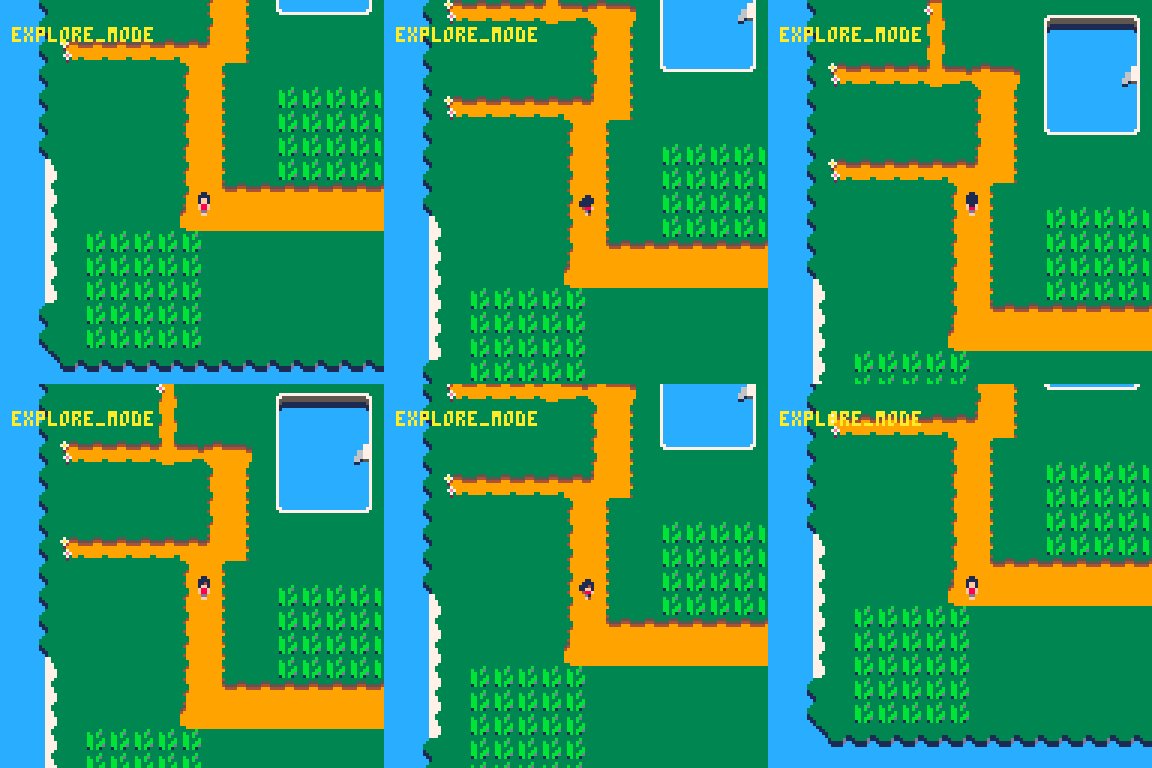
One image is worth than thousand words explanation
That’s going to be my motto during this article. Because working on PICO-8 doesn’t mean the project will be strictly simple. Creating a Pokemon-like title require to apply the best practises in coding, to be able to sustain and maintain the project until it’s release.
I’m not a software engineer, so my time is precious and efficiency/quality should be the first thing, remember spaghetti-code is your enemy.
I’ve had the chance to work with Godot engine and given their success, I will be taking part of their approach (much simplified) to create solid game loops.
What is Godot doing better than PICO-8?
Maybe better is not the right word, PICO-8 is doing it’s best at the purpose it was designed for; boost the speed of development for resource limited games with retro appealing.
So why I need to take inspiration from Godot? It’s a matter of scaling-up for the future, as for this game I need:
Scenes. Is literally what the player can see at the screen. They usually contain:
Actors (nodes)
Enemies
Objects
Main character
Camera. Viewpoint of the map (I wrote an article about this concept)
Map. The world where the scene happens
Transitions. Is the way we connect different scenes (Exploration and battle) to create a smooth experience for the player
Godot Engine go through those concepts in clear way it is just part of their interface and that’s what it make it easy and overwhelming at the same time to understand and implement
At this article I will be closing the GAP with PICO-8 🥳
This article, idea and it’s content has been written, designed and developed by a human.
What is a game loop?
You just discovered my newsletter, PICO-8 was your plan for the weekend, but when you open the environment the only feature that sounds familiar is the Sprites Editor where you can draw your character like if it was Paint.
I feel for you and I’ve been there, but before you even start thinking your next videogame idea, the game loop is the main concept you should be reading about and understanding.
A game loop is composed by four main phases:
Initialization
Input handler
Update
Render (or drawing)
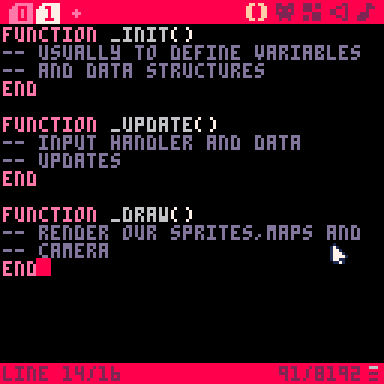
With thouse phases properly defined we can easily create a simple toy to draw hearts based on a number of likes, you can see the code and execution here
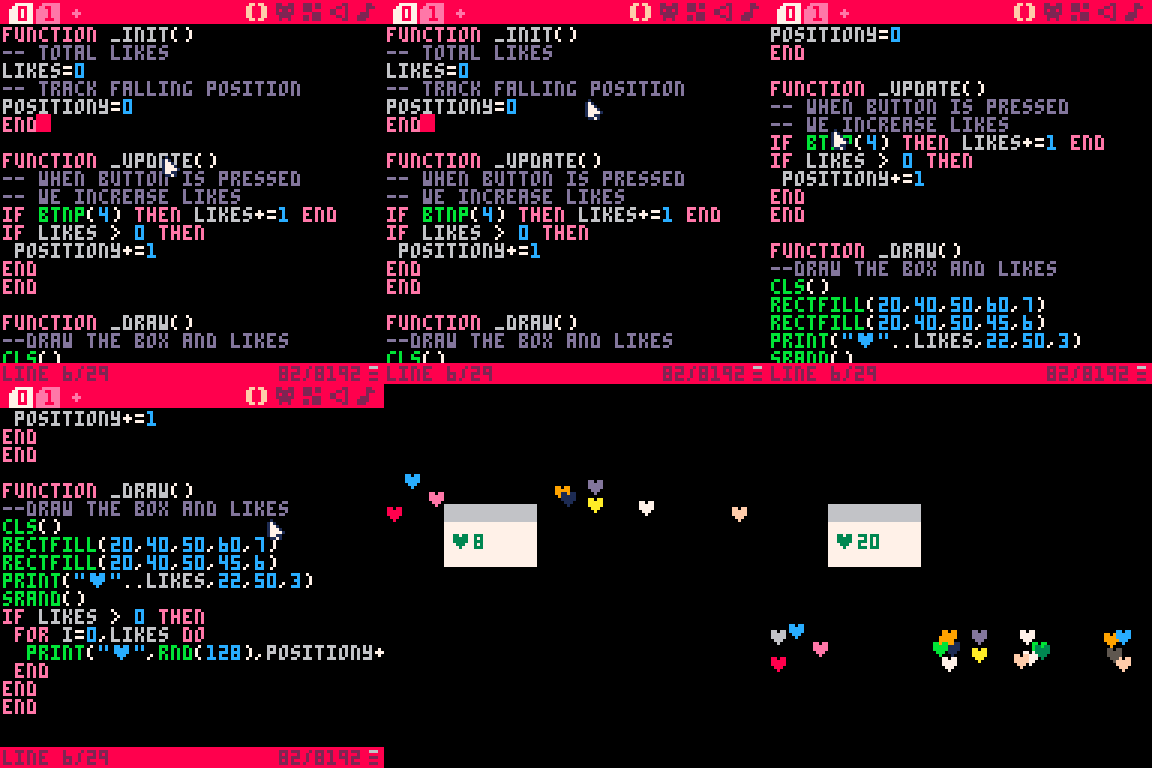
Okay, you have it, the main loop of a videogame could be easily understood as the main difference with another software product like a website, desktop app or mobile app is the need of rendering and updating data structures at 30 or 60 FPS.
We have a clear vision now, to have a succesfull scene shown to the player we need the core game loop flawessly working, but to create a Pokemon-like title we need an exploration experience (main loop) where the player moves and… wait, we also need a battle scene! (That’s when your brain clicked)
Creating a Scene Manager in PICO-8
PICO-8 comes with a tiny code editor that feels like opening Notepad with a beautiful retro aesthetic, that’s it. No code suggestions, no clickable interface to add a camera component, nothing. That’s when we need to be creative looking for advanced solutions.
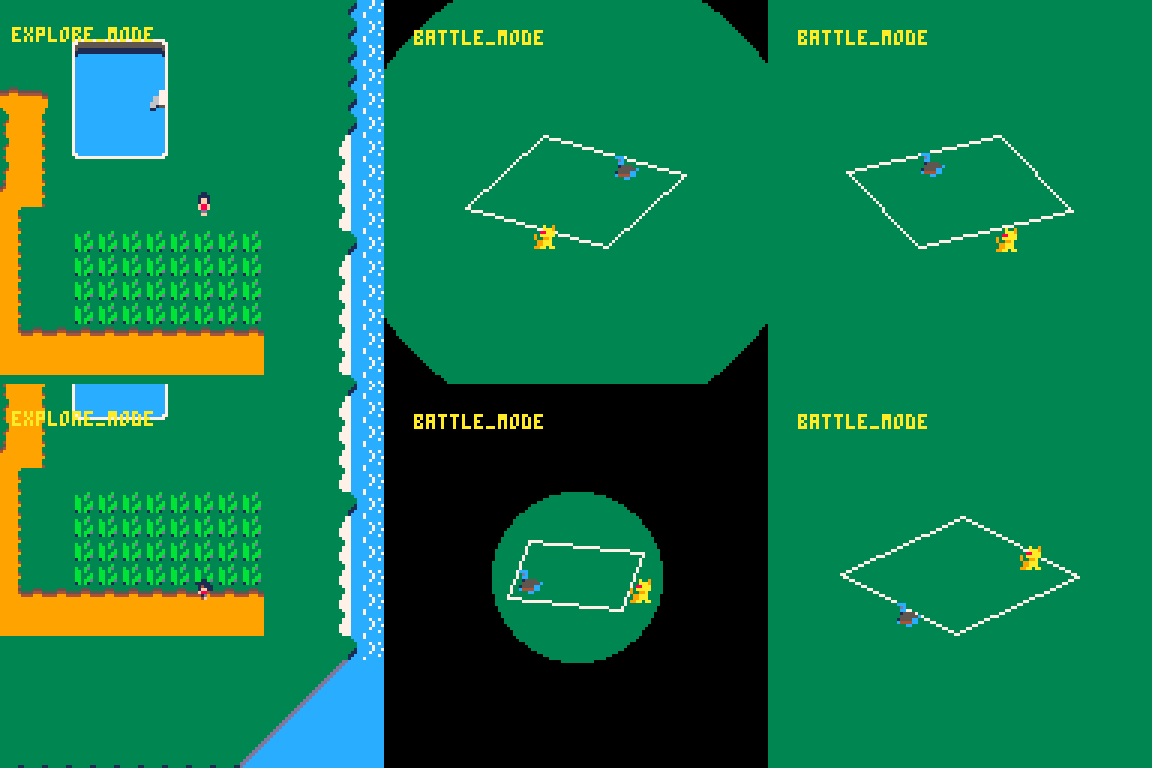
I created a component that manages the scenes of my entire game that it’s called scene_manager (Creative name, uh?) this little but impactful component will be switching from the EXPLORE_MODE to BATTLE_MODE.
But how I built this little switch? Is quite simple at the end, I created two game loops one for each scene, the exploration mode and battle mode.
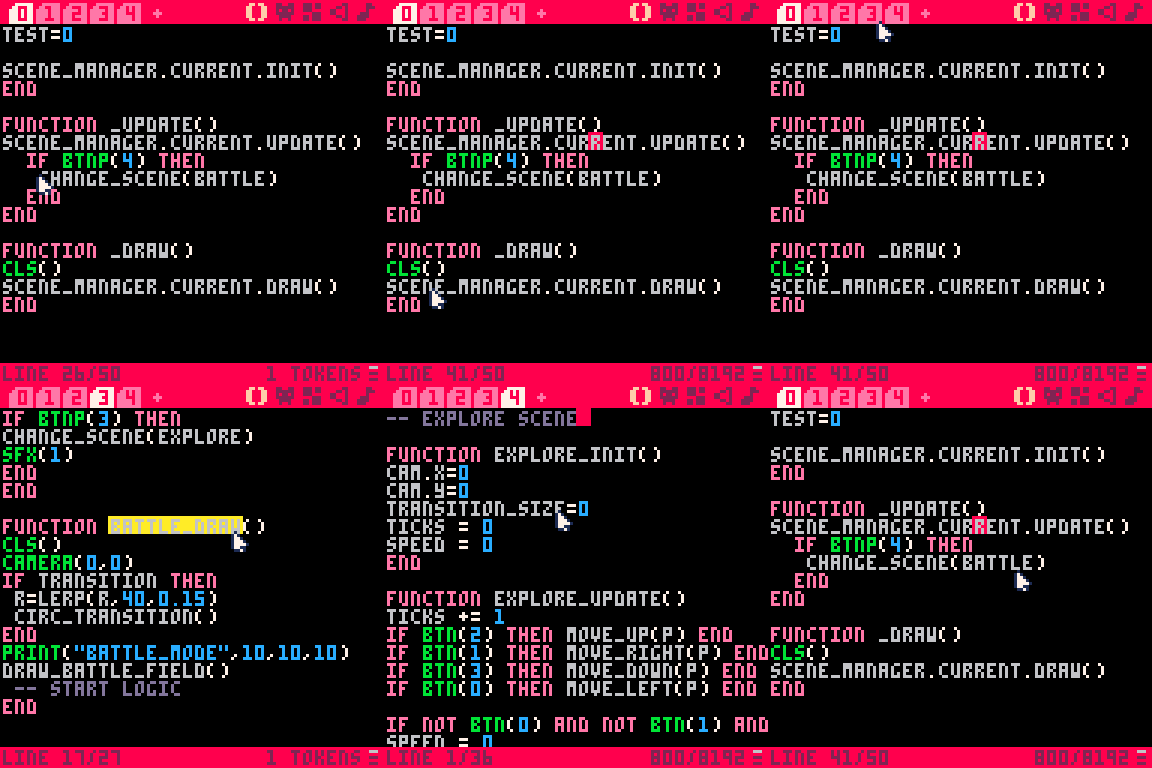
My scene_manager is just a list that contains the init,update and draw functions inside, as soon as I want to change to another scene I just need to call the change_scene function and the magic will happen.

In the future, when I need another scene…Think about going into a shop to buy items or just trigger a cutscene for the player.
It’s going to be as simple as create a new tab on PICO-8 editor then define shop_init, shop_update and shop_draw with my required logic and then switch at the main loop whenever it’s required by design.
Wrapping-up
I’m having lot of fun working at this project as this time I have a better idea of what I want to build and specially how, that’s the only difference with other projects I’ve been working on PICO-8.
But being totally honest with you, my previous prototypes and games I’ve been working across previous articles helped me to move faster with Monster Paradise.
I’m doing this on my spare time because I love to learn and build digital experiences. Being passionate about videogames development just took my to the best tool for it — PICO-8
I really think is the organic first move before you move into Godot/Unity to create a commercial title.
No AI has been used during the development of Monster Paradise, nor for the writing of this article.
Find me on Youtube!
If you really like this topic, but you are Spanish-speaking just follow me on Youtube (@fantasydevs) where I will be uploading a more detailed version of my game development articles.
Thanks for your support 💌🎮
The entire time of reading this article I could not stop thinking about that character walking animations. Small, simple, pixel, perfect...