

A high percentage of our success and specially consistency at a given goal is driven by the context where it happens. Thinking about Fantasy Consoles, the easiness, immediacy and Toy appealing of the tools are creating a delightful attraction just at the moment we open them.
Because you want to be productive on your spare time, but to a degree, as we also need to slow down, let me introduce you to Picotron our new gamedev environment.
Let’s create your own fantasy cartridge!
Why Picotron?
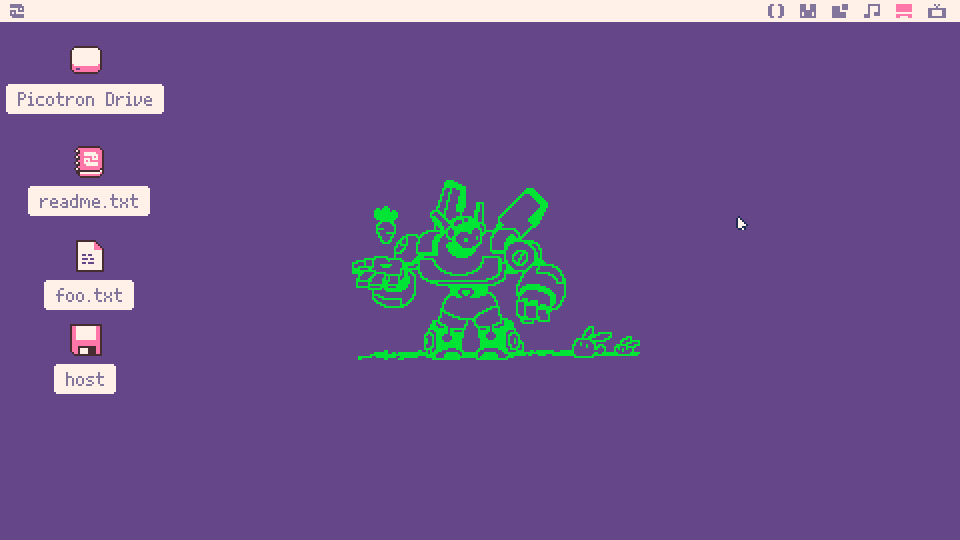
Picotron is still on development, but it is the perfect bridge between starting from zero on gamedev to potentially jump into professional environments like Godot or Unreal.
Lua 5.4 (Pico-8 has a minified Lua Version)
It is a tiny operating system! ❤️
No tokens limitation 🚀
No limit at spritesheet size, meaning we can now have 16x16 or even 32x32 sprites
Improved separation at the UI between code, art and music from what we had on PICO-8
Host Mode enabled. We can easily transfer files between Picotron environment and our host machine (Windows, Linux and MacOS)
But again, context matter and even though we barely have limitations at this Fantasy console (You can even created 3D games) the pixel-art theme and it’s inner design are already speaking about the scope we will follow.
Let’s start! Requirements:
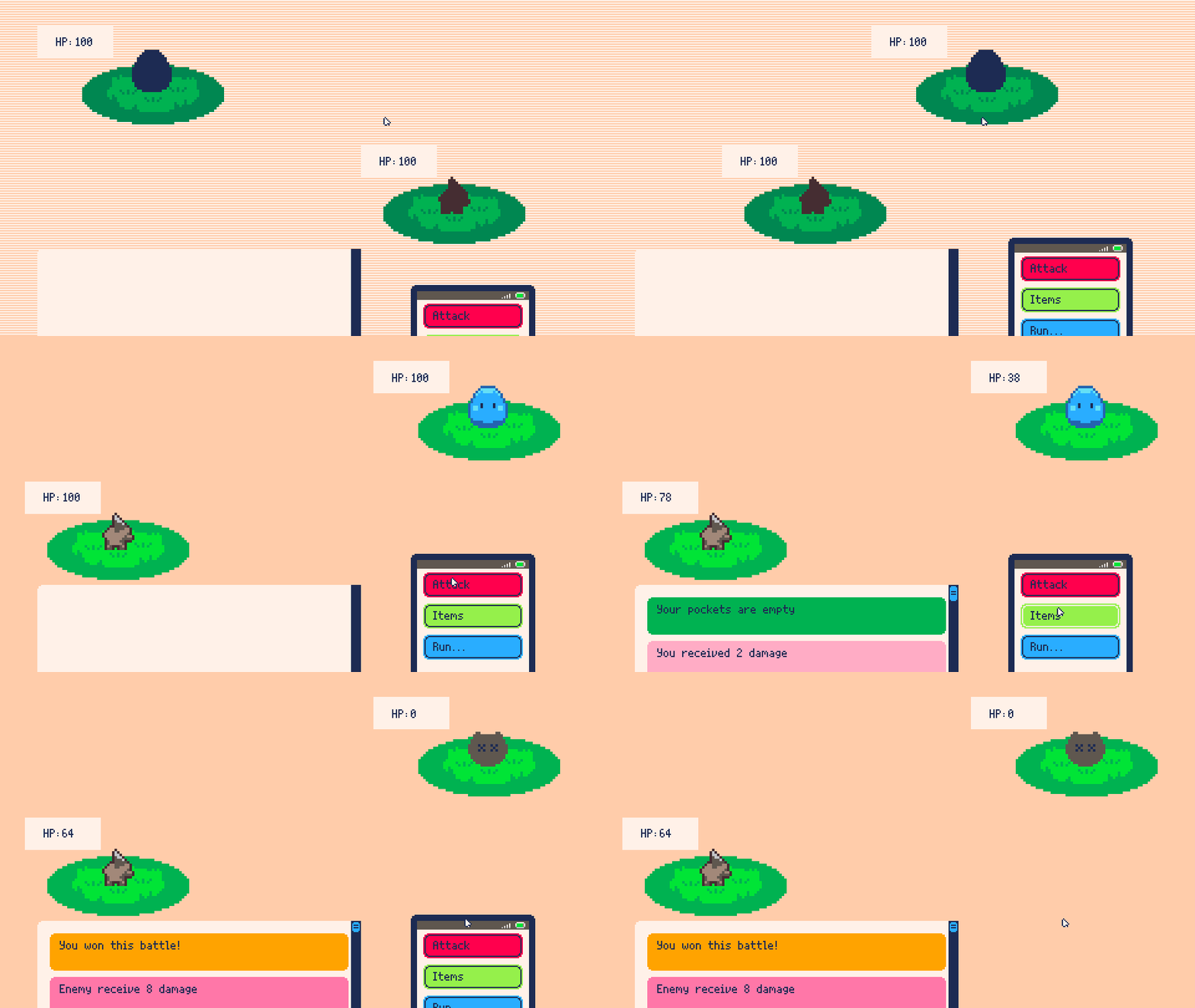
— This scene looks familiar right?
This is the cartridge for today, you will be creating a turn-based combat system that you can modify and add later to your picotron projects, the ingredients for our cartridge are the following:
Pixel Art sprites for our creatures (Included at the cartridge)
Picotron GUI Components - more information here
Tables with information as:
life points
strenght
defense
speed (Not in use, yet)
Cozy Coding
The main idea behind this system is to create a template that could be used as combat system for turn-based games. What we want to solve are the following points:
RNG for monster stats (both player and enemy)
Basic Loop: Player Action → Enemy Action → Start over
Create an UI for the player based on Picotron GUI library. I can confirm it is quite good.
Game Loop
Let’s start by the fundamentals
function _init()
-- CODE
end

function _update()
-- CODE
end

function _draw()
-- CODE
end
At any given gamedev engine, there should be at least the above mentioned functions. init, update and draw with those we can create all the logic needed for a game loop.
At the init we initialize all the values required for later at our game logic
At the update we make sure values are dinamically changing (sprites position, user interaction, etc)
At the draw we render all our sprites to show our wonderful sprites
Initialize our system objects
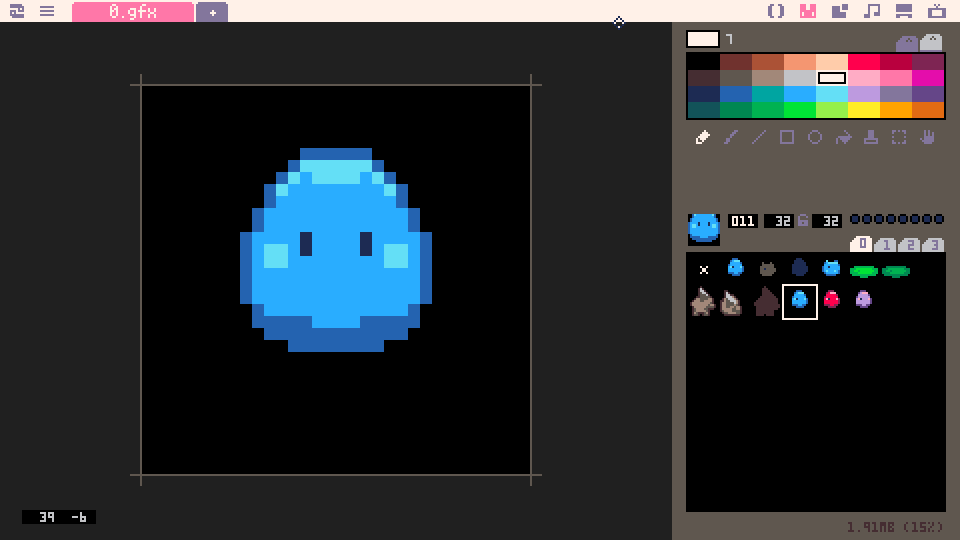
-- OBJECTS
pet = {
life = 100,
stats = {speed = rnd(10),strength=rnd(10),defense=rnd(5)},
sprite = 10,
position = vec(width - h_left_margin,height-128)
}

enemy = {
life = 100,
stats = {speed = rnd(10),strength=rnd(10),defense=rnd(5)},
sprite = 3,
position = vec(h_right_margin,30) - vec(60,0)
}

ground = {
sprite = 6,
position = vec(0,10)
}
For this short template I wanted to keep it simple and generate random values for the main attributes of our creatures, rnd() is a function that allow us to generate a random number netween 0 and the value established.
The System loop
It is quite simple, right now there are only two actions enabled for the player, attack and Items as soon as you click on Attack the following code will be triggered:
function attack(a,b)
    damage = a.stats.strength + rnd(6)
    local critical = false
    if damage > b.stats.defense then
	damage = damage - b.stats.defense
	crit = rnd(100)
        if crit < 10 then
	    damage += damage * 1.75
	    critical = true
        end
    b.life -= flr(damage)
end

function attack_box:click()
    local damage,critical = attack(pet,enemy)
    if critical then
    	text = "[CRITICAL HIT] Enemy receive "..damage.." damage"
    else
    	text = "Enemy receive "..damage.." damage"
    end
    send_msg(text, 14)
end
We execute the following evaluations:
Damage = generate a random number[0-6] + base strenght
It is a critical hit?
Is the Damage higher than the shield?
Having the previous creature RNG of stats and the mentioned evaluation we can have a different result on every battle we attempt at this tiny system.
The Cartridge (Less than 20KB!)
I know, fantasy consoles are super cool, but the best thing of PICO-8 and Picotron is the way you can distribute the games — They are literally images that contains a whole game!
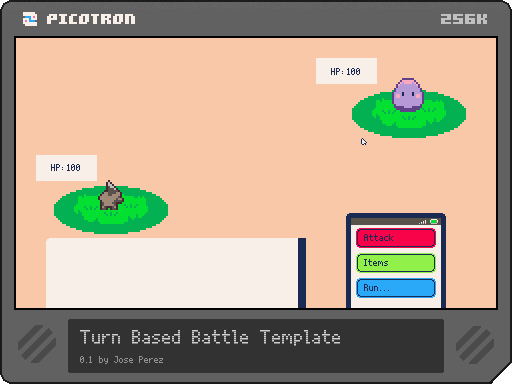
Now that you have the main idea of this system, you are ready to customize and play with it, that’s the best way to learn.
Steps to open the cartridge in your Picotron System
Click on “Open Host in OS Folder”
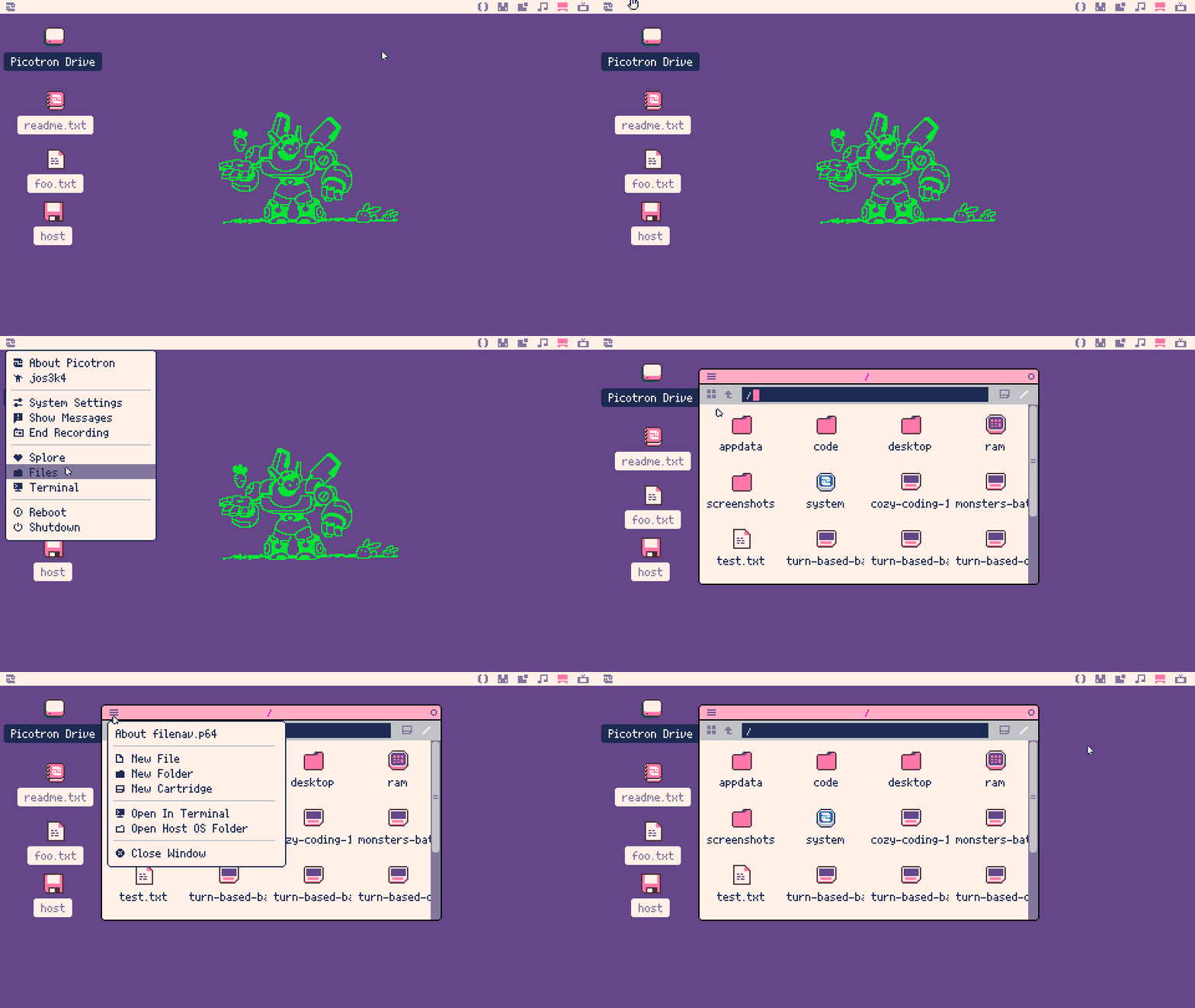
That’s goint to open a new window in your host OS (Linux, Windows or MacOS)
Add your turn-based-battle.p64.png to that folder
Note it ends with PNG extension as the whole game is an image 😎
Go back to your Picotron System > Picotron Drive > turn-based-battle.p64.png
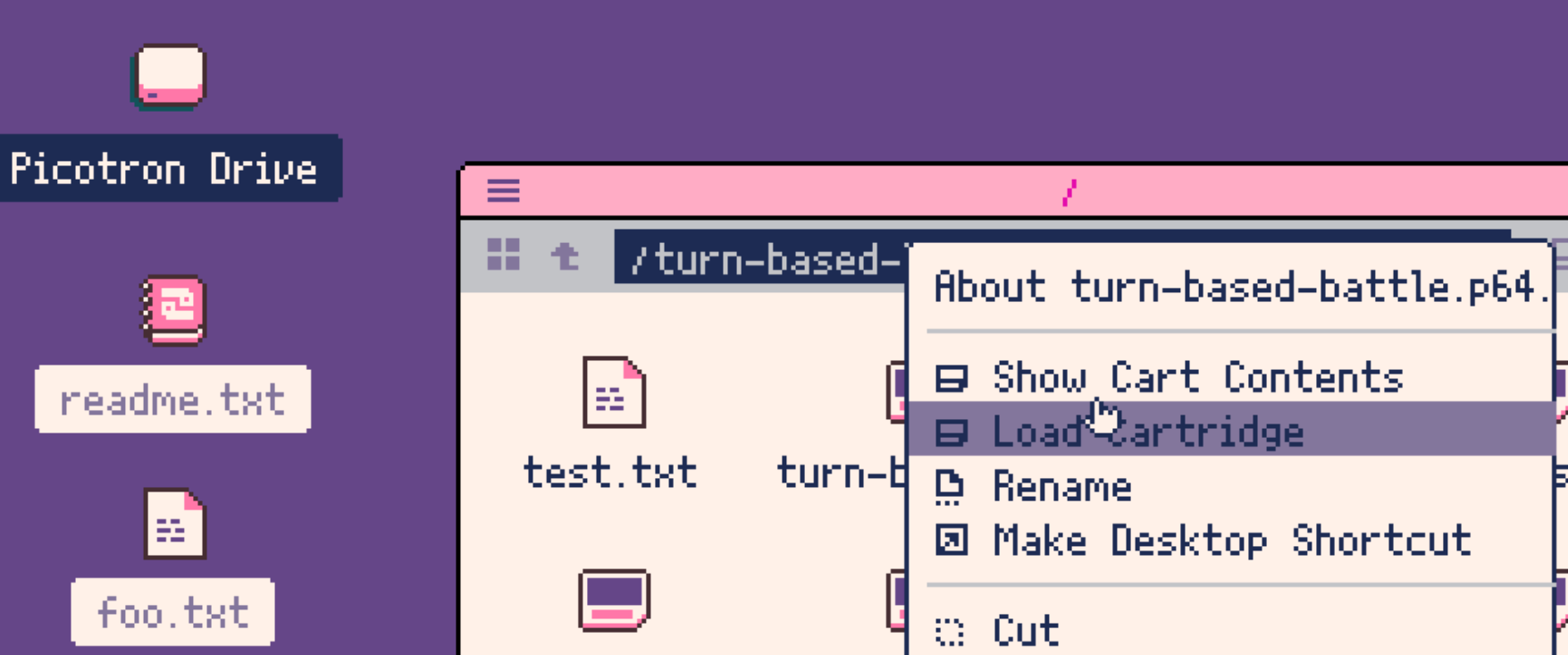
Press CTRL/CMD + R to run the system
Thank you for reading
I really hope this approach to fantasy consoles trigger your inspiration and motivation to work and play with them, is not only engaging, but you start developing many skills at the same time.

Feel free to distribute, share and modify but with atribution to the original author. More information here