

No problem, I got you, I understand after your first project with Godot you were a bit tired with the display viewport configuration and on top of that, you had to deal with your pixel art looking strange at different resolutions…
But let me tell you — Fantasy consoles to the rescue!
The more time I play with gamedev systems, concepts and I read about this hobby, the more I really want to minify to it’s minimal expression. Probably it is my creative approach guiding me on this direction.
Think about this; it is easy to extrapolate a small concept into a bigger project, but it is quite difficult to do the opposite; big and complex projects require lot of energy from our brain to be broken down into smaller pieces.
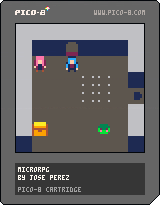
The cartride of today just have 135 lines of code, it use 135 tokens and the cartridge size is just 6KB.
You will need just 3 Minutes to understand and complete this concept
Learnings
A tiny RPG skeleton is going to teach you how to manage PICO-8 camera() function and you will discover the 64x64 pixels display mode.
Those components combined could leverage your creativity into new prototypes and concepts you never thought before.
Creativity thrives within limits :)
Tiny Display Mode (64x64 pixels)
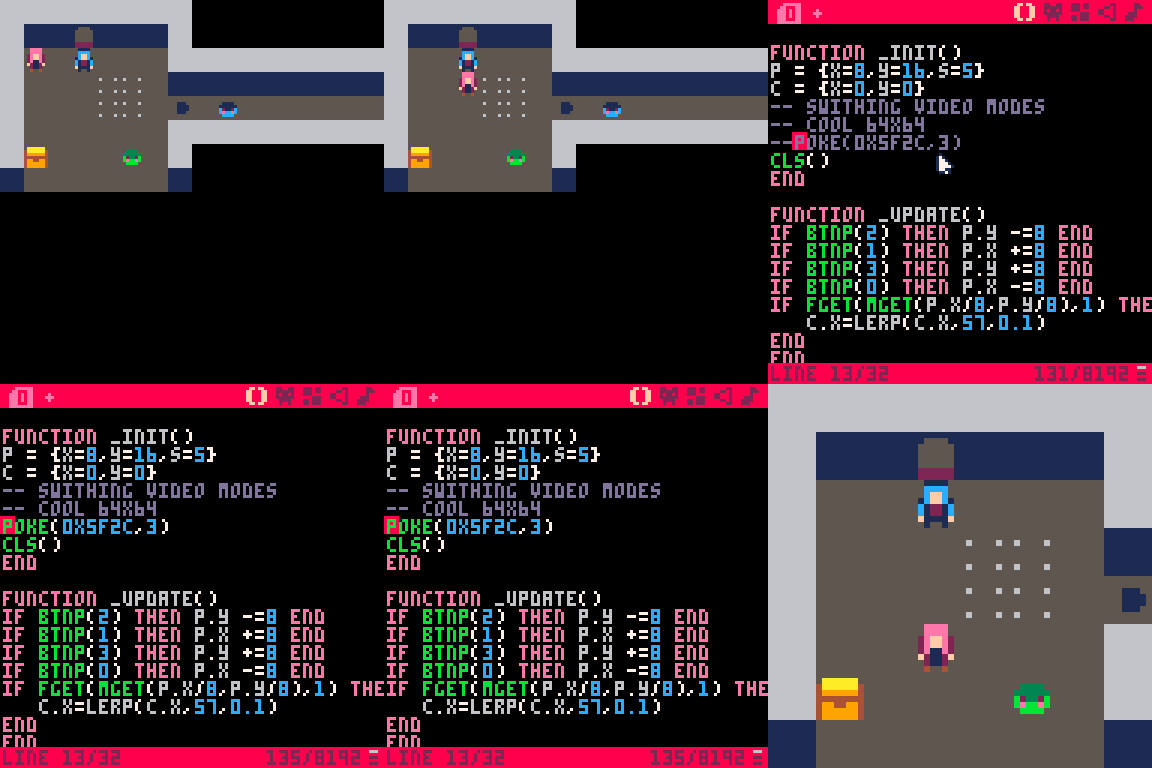
In order to set our fantasy to that resolution, we just need to call the poke() function at the init() phase

For those that love computers engineering, just being able to manipulate a tiny operating system memory address is exciting, right?
function _init()
p = {x=8,y=16,s=5}
c = {x=0,y=0}
-- swithing video modes
-- cool 64x64
poke(0x5f2c,3)
cls()
end
Character Movement (Based on 8x8 Tiles)
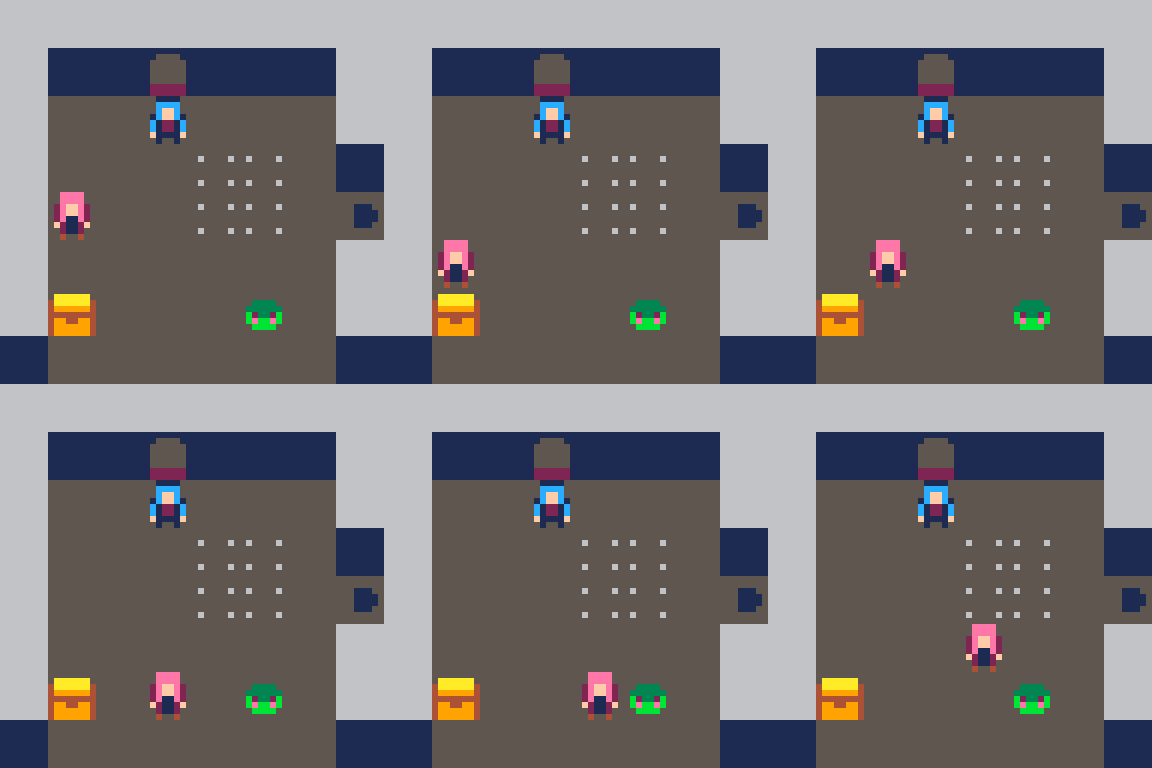
Taking into consideration our concept is a classic RPG game, we need to move our character towards the adjacent tile. btnp() is the function we are going to use to connect the player controller with our character movement.
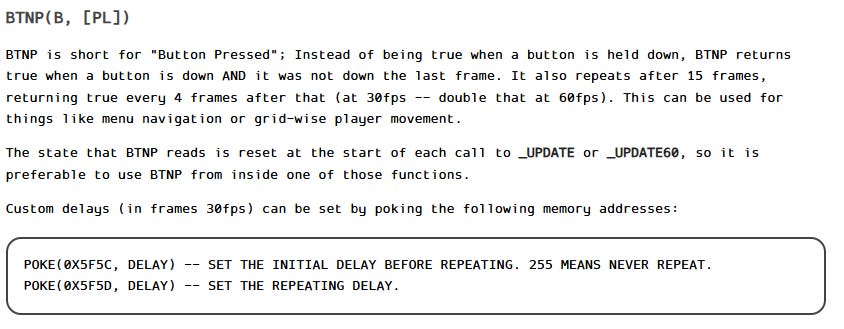
function _update()
if btnp(2) then p.y -=8 end
if btnp(1) then p.x +=8 end
if btnp(3) then p.y +=8 end
if btnp(0) then p.x -=8 end
end
Smooth Camera Movement
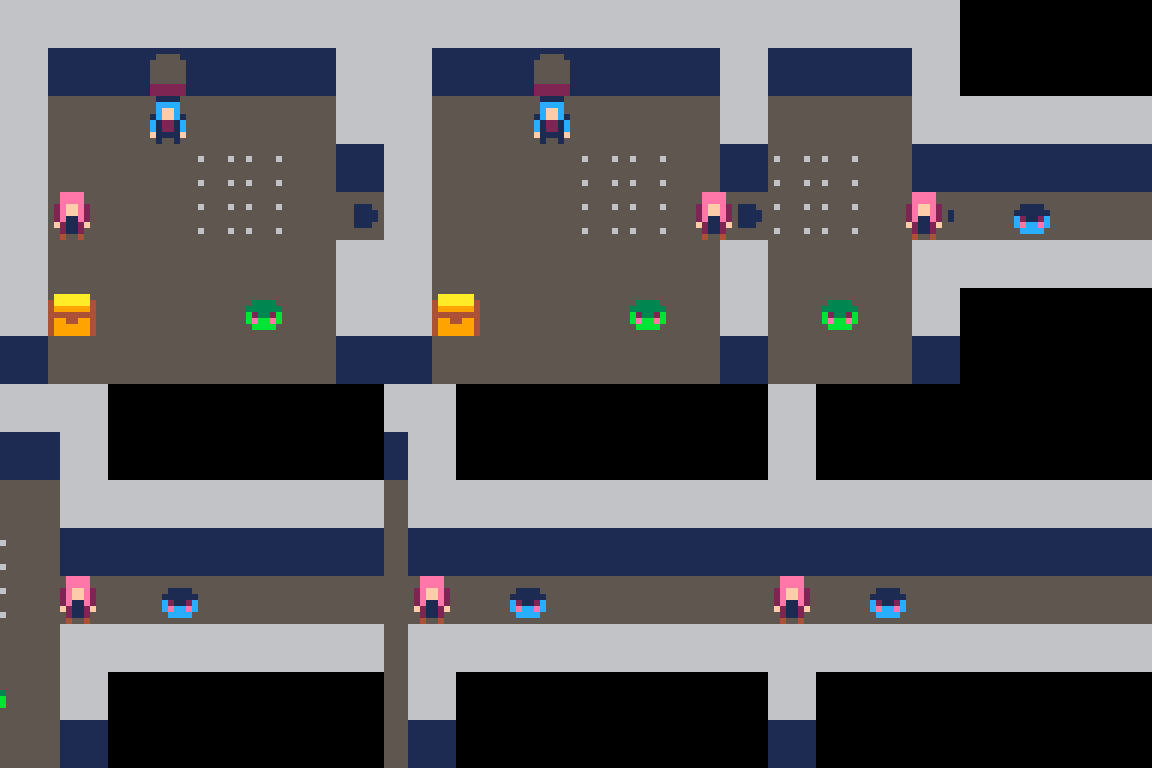
Most of the functions you can call using PICO-8 library have in common that they just need few parameters, that’s the case of camera() where we only need to set X and Y coordinates.
Actually to create a smooth movement it is a different story, because PICO-8 doesn’t come with functions to provide that nice scrolling, but nothing we can’t code on our own.
I’ve defined a lerp() function that is going to go from A to B by fractions
function lerp(a,b,t)
  return a + (b - a) * t
end
Now we just neet to detect when the character step-up at the tile that triggers the camera movement. First let me introduce you to the concept of sprites flags
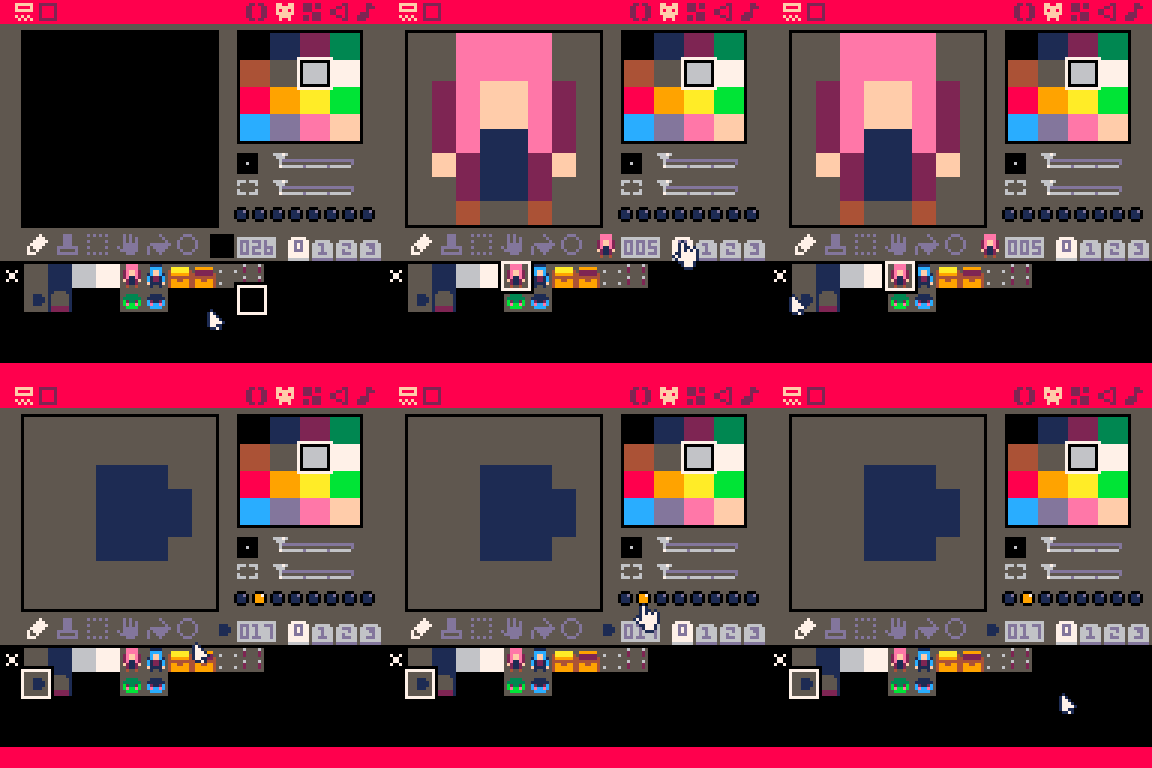
Each sprite have a total of 8 flags we can set for different controls, at our specific example I’ve just set the flag 1 as true to trigger the camera movement.
fget(tile, flag) -Return true/false based on a specific tile flagmget(posx, posy) -Return the tile of the map based on coordinates
if fget(mget(p.x/8,p.y/8),1) then
   c.x=lerp(c.x,57,0.1)
end
As soon as the player move step into the tile, the position X of the camera will be moving to the right creating that smooth effect.
Feel free to experiment on your own or just to download the complete concept with all the resources.
Thank you for reading 💌